

This page was translated from Dutch with AI.
Pull the plug on PowerPoint
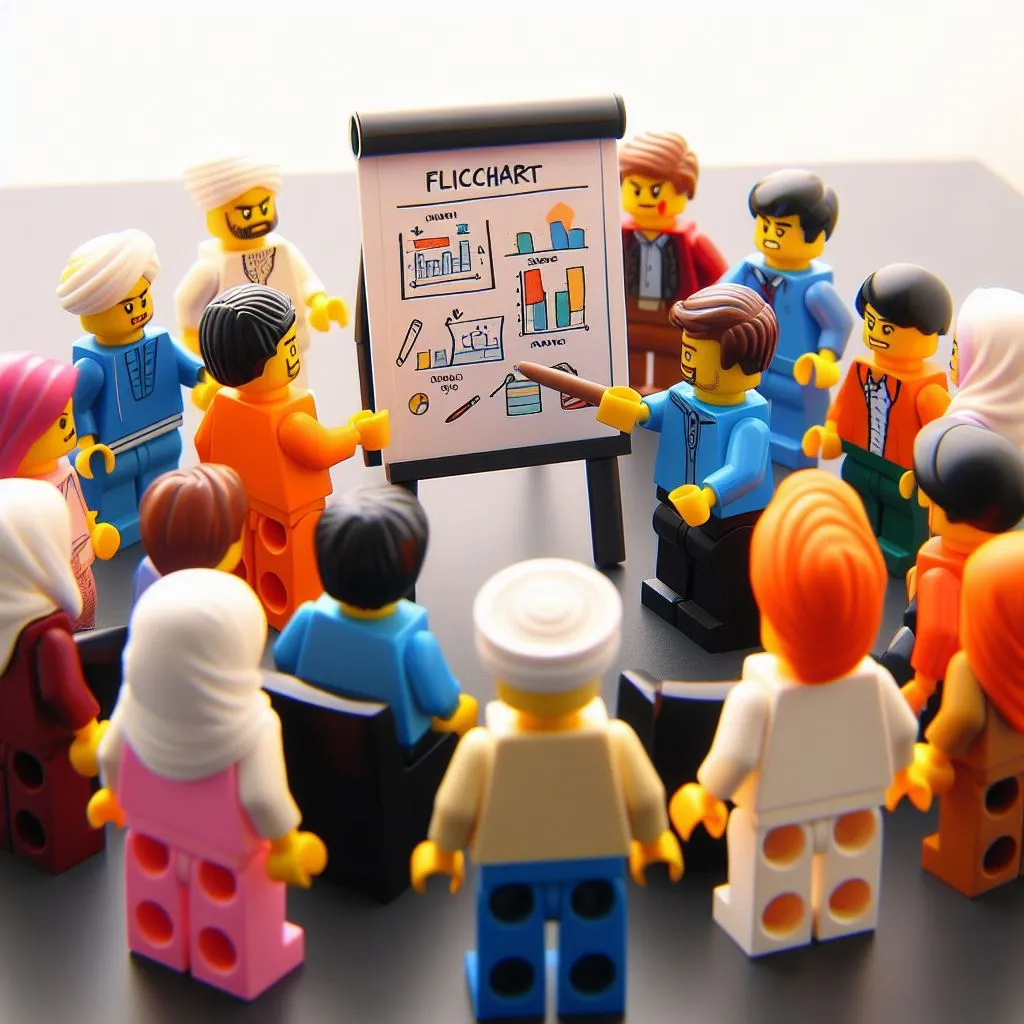
Short answer: PowerPoint often puts a trainer behind a script and the group in a passive role. Real learning comes from interaction, discussion and practice. So use fewer slides, look at your participants and give them the floor. That way they shine and not your presentation.
Why does PowerPoint slow down a training session?
In the world of training and development there is a silent truth that is rarely spoken out loud: PowerPoint, that faithful companion of every presenter, is not always the hero we think it is. PowerPoint is Slowerpoint!
Imagine this: the lights dim, the projector hums to life and there appears the first of many slides. While the trainer navigates through the points and graphs, a slumbering trance is cast over the group.
The insecurity of the trainer turns into a monotonous cadence of clicking and reading. An energetic group dynamic thus becomes a passive, almost hypnotic state.
Where is the room for a lively discussion or sharing personal insights? Hidden, perhaps forever, behind the gloss of streamlined bullet points and animated transitions.
What is lost besides the slides?
Because of the rigid structure of a PowerPoint presentation, the training session can turn into a meticulously directed script. Little room is left for spontaneity or adapting to the group dynamic.
Every slide takes the trainer a step further on a predetermined path. Meanwhile, the opportunity to respond to the needs and reactions of the group is lost.
A crucial element of human interaction is also lost: non-verbal communication. In an environment where all eyes are focused on the screen, who pays attention to facial expressions, hand gestures and body language?
Is PowerPoint efficient then?
It seems so, but that is an illusion. PowerPoint can give the impression of a neatly packaged, all-encompassing learning experience.
Real efficiency in training sessions does not come from a file. It comes from interaction, discussion and practical exercises, where participants do not just listen and watch, but also participate and experience.
This is how you apply it
- Before you open the slides, ask yourself the question: 'How can I create an environment where my participants, and not my slides, shine?'
- Plan interaction, discussion or a practical exercise first, and only use slides to support them.
- Look at your group: pay attention to facial expressions, hand gestures and body language.
- Keep room to adjust when the group needs something different than your script.
Because ultimately it is their ideas, their interactions and their insights that transform a training session from an ordinary presentation into an extraordinary learning experience. Let the participants shine!
About the author
Karl Mortier is a certified NLP Master Trainer and facilitator and works as a coach, trainer and facilitator with visualisation as a common thread. He wrote the book "Help my dad is a coach!".
Frequently asked questions
A series of slides leads the trainer along a fixed path. As a result, there is little room for discussion, spontaneity and non-verbal signals from the group. The participants read and watch, but experience and practice too little.
Start with the participants and not with the slides. Plan discussion and practical exercises, look at the reactions of the group and adjust your approach. Slides then support what the group discovers for itself.
In our Facilitation training you work on this theme. Our coaches can adapt the training to your team. View the Facilitation training or contact us.